Skip to content
Booking projects for next month. Free website audit with every quote.Claim yours →

Health and wellnessBooking projects for November

Senior Living Website Development Company for More Tours and Move-Ins

An adult daughter comparing assisted living on her phone at 11 p.m. and the 84-year-old father who will live there, reading with low vision, both need your care levels, starting prices and a tour time without calling a referral line first. We build sites for assisted living, memory care, independent living, CCRCs and residential care homes that answer those questions, show your state license and send every tour request to your CRM with its lead source.

  • Built for senior living communities
  • Fixed quote in 1 business day
  • You own everything
yourcommunity.com/memory-careMemory care toursin NapervilleBook a tourTap to callTour request: memory careFrom /memory-care · sent to CRMTracked as a leadSource: GoogleAI ASSISTANTWhich memory care near me lists itsprices?Your Company: licensed memory care,starting prices posted online.Source: your website
Illustration: a visit becomes a tracked lead

The short answer

What does a senior living website development company do?

A senior living website development company builds websites for assisted living, memory care, independent living, continuing care retirement communities (CCRCs) and residential care homes that turn a family's research into booked tours and move-ins at the right care level. The site has to answer what families ask before they will call: which care levels you offer, what a suite costs to start, what is billed separately, whether you accept Medicaid waivers or VA benefits, and whether your license is in good standing.

For a multi-community operator that means one page set per community and per care level, "starting at" pricing by suite type, floor plans, a tour request with a date and time slot, and every form and call passed into Aline, Enquire, Sherpa, WelcomeHome or Salesforce Health Cloud with its source. For a 6 to 16 bed residential care home it means a short, strong site: real photos of the house, the owner and caregivers, the staffing ratio, how pricing works, the license and licensed capacity, and a tour button that works on a phone.

Billion Web Studio is a senior living website development company that builds this as one fixed-scope project: senior living website design with large type and strong contrast, care-level and community pages, schema, call and form tracking in GA4, CRM handoff and an editable CMS for menus, calendars and openings. You own the site, the domain and every account from day one, so changing vendors never means starting over.

The market

What the numbers say about senior living communities online

Senior housing occupancy is near 90% across the largest US markets, so your website is not there to chase raw traffic. It is there to win the right family for the right suite and care level, and to win them before a placement agency does. These figures show who is searching, how much the agency route costs, and how fast AI tools are changing discovery.

How they choose

How families find and choose a senior living community

A move to senior living usually starts with an event: a fall, a hospital discharge, a dementia diagnosis, a parent left alone after a spouse dies. Then a stressed adult child does weeks of research, often while working and caregiving. Here is how a US family picks a community and what your site has to do at each step.

  1. 1

    The trigger: a fall, a discharge or a diagnosis

    The first searches are urgent and specific: "memory care near me", "assisted living after hospital stay", "respite care this week". Your site needs a page for each care level and for respite stays, so Google, Maps and AI assistants can match the search to you instead of to a referral directory.

  2. 2

    Research on a phone, late at night

    Pew found 90% of adults 50 to 64 and 78% of adults 65 and older own a smartphone. The page has to load fast, put a tap-to-call number labeled for pricing and availability in the first screen, and stay readable for an older parent who may sit beside them: large text, strong contrast, no auto-playing sliders.

  3. 3

    The vetting: reviews, license and inspections

    Families in caregiver forums tell each other to read state inspection reports and check review patterns before they tour. BrightLocal found 74% of consumers only consider reviews from the last three months. Show recent Google reviews, your license number and licensed capacity, a link to your state's facility lookup, and staff with real photos and credentials.

  4. 4

    The money question

    Medicare does not pay for long-term custodial care such as assisted living, and families learn that the monthly rate and the care fee are often separate lines. A "starting at" price per suite, a plain explainer of level-of-care or all-inclusive pricing, the community fee, and which Medicaid waivers, VA Aid and Attendance or long-term care insurance you work with keep the family on your site instead of on a referral line.

  5. 5

    The tour, and everything after it

    The family books a tour, often for two or three communities the same week. Your tour form offers a date and time slot, an optional SMS consent box, an instant confirmation, and lands in your CRM with its source so your sales director calls within minutes. Every call and form is tracked, so you can see which page and channel produced each move-in.

The problem

Why most senior living websites lose tours and move-ins

What we find again and again when we audit sites in this trade. None of it is about how the site looks.

Leak 01

No price signal, so families call a referral service

Many community sites hide every number behind "Contact us for pricing". The family who needs a ballpark calls a national referral line or a competitor that shows "starting at" by suite. Optima Living told Senior Housing News (April 2026) that it now publishes suite layouts, unit pricing and care-level pricing, and that its website changes as a whole led to a 78% increase in conversions.

Leak 02

One Services page for four care levels

Independent living, assisted living, memory care and respite are different searches, different buyers and different price points. A single services page cannot rank for "memory care in Naperville", cannot explain secured entries and dementia training, and gives AI assistants nothing specific to quote.

Leak 03

Tour requests that sit in a shared inbox

Families contact several communities at once, and the first one to reach a human usually gets the tour. A form that emails a general inbox, with no CRM record, no lead source and no instant confirmation, loses the race and leaves you unable to say which channel produced your move-ins.

Leak 04

Built for the adult child or the parent, not both

Small gray text, a carousel that moves before it can be read, a pop-up over the tour button and tap targets sized for a 30-year-old thumb push the 85-year-old reader away. Strip out every detail and the 55-year-old daughter comparing care levels finds nothing to compare.

Leak 05

No license, capacity or inspection link

Families and discharge planners are told to check that a community is licensed and in good standing before touring. If your site does not show the license number, licensed capacity and a link to the state record, they go to the state portal or a directory and may never come back. Memory care claims also have to match your license classification, which we cover under compliance below.

Leak 06

A site, domain or Google profile someone else controls

Many communities run on a marketing platform or agency account where the vendor holds the hosting, the domain, the call tracking numbers or the primary owner role on the Google Business Profile. A Colorado nonprofit operator published a checklist just to get those back. When you leave, the forms stop feeding your CRM and you start over.

Generic vs built for you

Why a generic website fails senior living communities

A template is built to fit every business, so it fits yours badly. Here is what changes when the site is planned around how families actually buy.

Generic website compared with a website built for senior living communities
What you needGeneric template siteBuilt for senior living communities
Care levelsOne "Services" or "Living Options" page with a paragraph per care typeA page per care level offered, with who it is for, what is included, staffing, starting price or pricing link, FAQs and its own tour button
Pricing"Call for pricing", or a price buried in a PDF brochure that AI tools and Google cannot read"Starting at" by suite type with a dated footnote, and a how-pricing-works page covering care fees, community fee, Medicaid, VA and long-term care insurance
Tour bookingA contact form that emails the front deskTwo-step tour request with date and time slot, care type, optional SMS consent, instant confirmation and a CRM record with lead source and UTM
Two audiencesTemplate fonts, sliders and a stock photo of smiling modelsPaths for "researching for a loved one" and "exploring for myself", large type, high contrast, no autoplay, real residents and staff photographed with written consent
Memory careThe same page as assisted living with "memory care" in the headingA dedicated page on the secured setting, dementia training, daily rhythm, family updates, move-up criteria and why it costs more, worded to match your state license
Trust and licensingA logo row and a generic "quality care" lineLicense number, licensed capacity, state inspection link, recent Google reviews with responses, third-party awards such as U.S. News Best Senior Living where you hold them, Equal Housing Opportunity and accessibility statements, and for skilled nursing only, the CMS Care Compare rating
Several communities or buildingsOne contact page and one phone number for every siteA page set per community or licensed building, each matched to its own Google Business Profile, phone line and address
AI searchNothing, or a blog of generic aging tipsDirect answers on cost, care levels, Medicare and Medicaid, discharge and admissions, with FAQ schema, named authors and consistent community facts

Free self-check · 2 minutes

What your current senior living website is missing

Tick everything your site does today. Each box you cannot tick is a place where a ready-to-buy visitor leaves.

What you need

What every senior living website needs

The features that turn a senior living website from a brochure into the best salesperson you have. We build all of them.

  1. Must-have · 01

    A page for every care level you are licensed for

    Independent living, assisted living, memory care, respite and short-term stays, and skilled nursing or rehab inside a CCRC. Each page says who it fits, what is included, staffing and nurse coverage, how pricing works and how to book a tour.

  2. Must-have · 02

    "Starting at" pricing with honest footnotes

    A monthly starting price per suite type, with the date it applies from and a plain line on what is billed separately: level-of-care fees, medication management, incontinence care, the community fee. Families on caregiver forums complain about surprise add-on charges.

  3. Must-have · 03

    How pricing works and paying for care

    Level-of-care or points model versus all-inclusive, what Medicare does not cover, whether you accept Medicaid waivers, how VA Aid and Attendance and long-term care insurance work, and for CCRCs the Type A, B and C entrance fee contracts and refund options.

  4. Must-have · 04

    Floor plans and residences

    Photos and square footage for each studio, one-bedroom and companion suite, which ones are available, and couples' options when only one spouse needs care. Each plan links to its price and a tour button.

  5. Must-have · 05

    A memory care page families can trust

    Good memory care website design shows the secured environment, staff dementia training, daily structure, how families get updates, visiting during the adjustment period, and what triggers a move from assisted living to memory care. About 4 in 10 assisted living residents live with Alzheimer's or another dementia (AHCA/NCAL), so many of your families arrive with this question. Wording is checked against your state license classification.

  6. Must-have · 06

    Tour booking that reaches sales in minutes

    In-person or virtual tour with a date and one-hour slot, a short first step (name, phone, care type) and an optional second step, a separate unchecked SMS consent box, an instant text or email confirmation, and a CRM record created on submit.

  7. Must-have · 07

    Separate, tracked phone lines

    Pricing and availability for prospects, a line for residents and families, and another for job applicants, each with a tel: link that matches the number shown and is tracked as a lead event, so a caregiver applicant is never counted as a move-in lead.

  8. Must-have · 08

    Licensing and inspections block

    State license number, licensed capacity and a link to the state facility lookup or inspection reports on every community page, plus the CMS Care Compare rating for any Medicare-certified skilled nursing center, and never for assisted living.

  9. Must-have · 09

    Real people, photographed with consent

    Executive director, director of nursing and memory care director with names, credentials and tenure. Resident photos and family stories only with written consent, and fresh consent for each new use. No AI-generated faces.

  10. Must-have · 10

    Life at the community, kept current by your staff

    Sample dining menus, the monthly activities calendar, transportation, pet policy, visiting hours and a photo gallery your life enrichment team can update in the CMS without calling a developer.

  11. Must-have · 11

    Careers that convert caregivers

    Open roles for caregivers, CNAs, med techs, nurses, dietary and activities staff, with shifts, training, benefits and the pay you choose to publish, and an application link to your applicant tracking system.

  12. Must-have · 12

    A page for discharge planners and referral partners

    Hospital case managers, skilled nursing social workers, physicians and hospice teams need care levels accepted, admission criteria, how fast you can assess, payer types and a direct referral contact on one page.

What we build

The senior living website we would build for you

Here is the sitemap we plan when we do website design for senior living communities, sized for a single community or a small group. A 6 to 16 bed residential care home gets a shorter version: home, the house, care and staffing, pricing, our team, reviews, licensing, FAQ and book a tour. A multi-community operator gets the Communities section repeated per location.

yourcompany.comHome · every section links here

Care and living options

  • Independent living
  • Assisted living
  • Memory care
  • Respite and short-term stays
  • Skilled nursing and rehab (CCRCs)
  • Which care level is right?

Residences and pricing

  • Floor plans and suites
  • Starting prices by suite and care level
  • How pricing works
  • Paying for care: Medicaid, VA, long-term care insurance
  • Entrance fee contracts and refunds (CCRCs)
  • Priority list and future residency (CCRCs)
  • Availability and current offers

Communities

  • Community overview with map and directions
  • Neighborhood: hospitals, physicians, family travel
  • Licensing, capacity and inspections
  • Reviews and family stories
  • Team: executive director, nursing, memory care

Life here

  • Dining and sample menus
  • Activities calendar
  • Amenities and transportation
  • Pets and visiting
  • Photo gallery and virtual tour

Family guides

  • Signs it may be time
  • Assisted living vs memory care vs nursing home
  • 55+ community vs independent living
  • Admissions: documents and assessments
  • Your first 30 days after move-in
  • Questions to ask on a tour

Act and connect

  • Schedule a tour
  • Referral partners and discharge planners
  • Resident referral program
  • Careers
  • Give and volunteer (nonprofit communities)
  • Resident and family portal, pay my bill
  • Accessibility, privacy and consumer health data policies

Calls, bookings, leads

How we turn visitors into tours and move-ins

A senior living sale takes weeks and involves several family members, so a form fill is not the finish line. We build the site to get a qualified family on the phone with your sales director quickly, book the tour, and record where that family came from so you can judge every channel by tours and move-ins.

  • 01A Book a Tour button on every pageIn the header, on every care-level and floor plan page, and in a sticky bar on phones. In-person or virtual, with a date and time slot so the family commits to a visit, not just a callback.
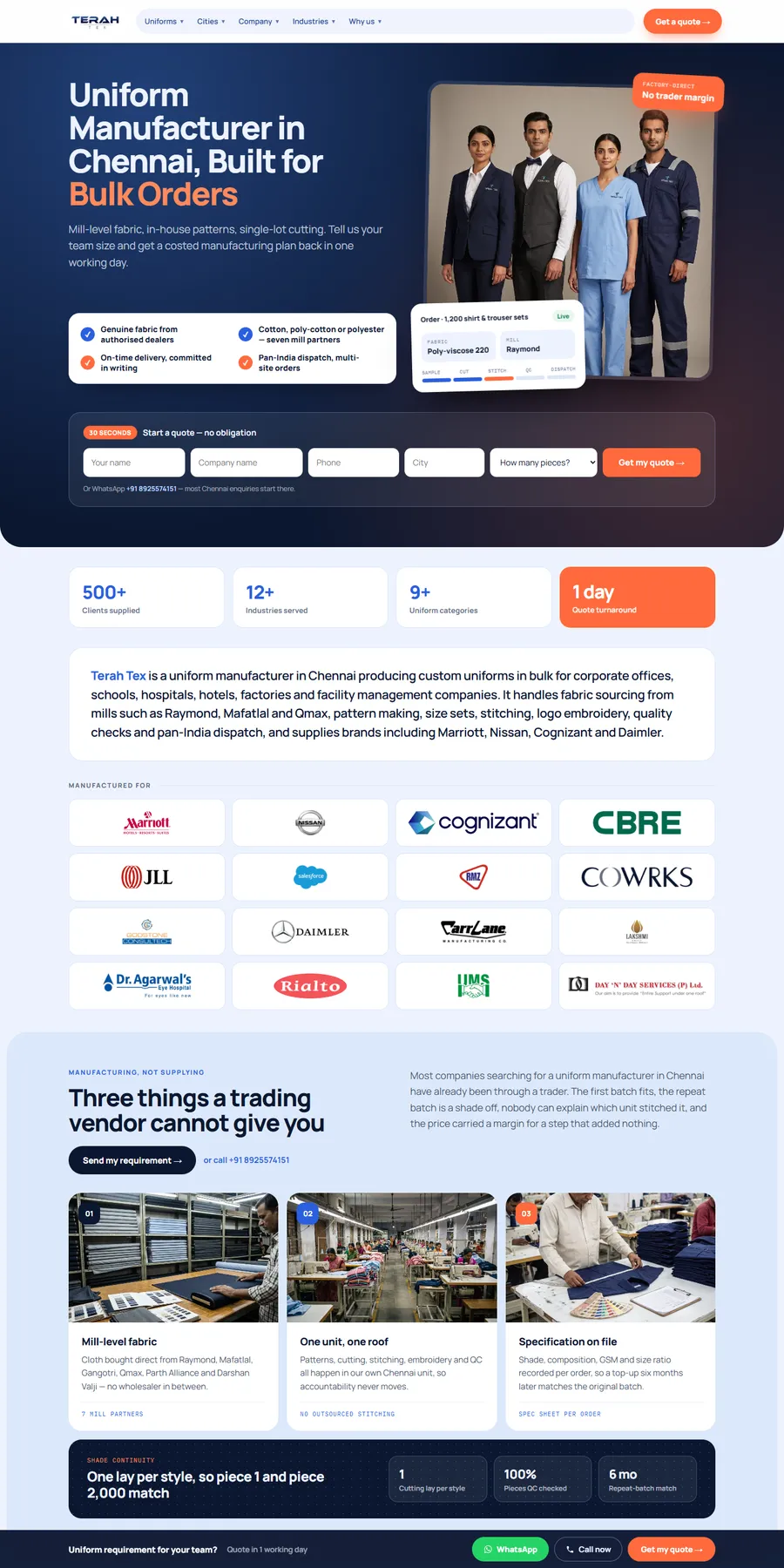
  • 02A two-step form that fewer families abandonStep one asks only for name, phone and care type. Step two asks timing, who the tour is for and preferred contact, and can be skipped. It is the two-step pattern we built for the Terah Tex quote form, adapted for tours.
  • 03Straight into your CRM, with the source attachedForms post to Aline, Enquire, Sherpa, WelcomeHome or Salesforce Health Cloud by API, webhook or the CRM's own form tool, with lead source, page and UTM fields mapped, and a sales alert on submit.
  • 04Instant confirmation and consent you can proveThe family gets an immediate text or email confirming the request or tour time. SMS marketing consent is a separate, unchecked box, and the consent text and time are stored with the lead.
  • 05Calls tracked by page and channelPricing and availability calls are tracked as GA4 lead events, with source-level numbers from your call tracking provider, so you can see whether the memory care page, Google Business Profile or a paid ad produced the call that became a tour.
  • 06Chat that hands off to a personIf you use Further or Aline Chat, we embed it so it does not cover the tour button on small screens, and its leads flow to the same CRM with the same source fields.
  • 07A clear line for families who come directCopy that tells families they can reach your community directly, for pricing, availability and tours, with no middleman. Every move-in that starts on your own site is one you do not pay a placement fee for.

AI search

Families now ask ChatGPT, Gemini and Google AI Mode the questions they used to type into Google or ask a referral advisor. One operator told Senior Housing News in January 2026 that its leads from Google search have declined because the top of the funnel now sits in AI Overviews, and the largest national referral service is reshaping its marketing for AI answers. Pew found users clicked a traditional result on 8% of visits when Google showed an AI summary, against 15% without one. If your site does not state your own facts plainly, an AI assistant will describe you from someone else's directory.

Questions your families ask AI assistants

  • How much does assisted living cost in Scottsdale, and what is included?
  • Which memory care communities near me accept long-term care insurance?
  • Does Medicaid pay for assisted living in Texas, and which communities take waivers?
  • What is the difference between independent living, assisted living and memory care?
  • Is there a CCRC near Charlotte with a refundable entrance fee?
  • How do I check an assisted living facility's license and inspection reports?
  • Answers in plain text, not PDFs

    Starting prices with a date, care levels, staffing, nurse coverage, admissions steps and payer types written on the page itself. AI systems and Google cannot quote a brochure image or a pricing PDF.

  • One page per care level and per community

    Each with the same community name, address and phone as its Google Business Profile, so an assistant asked about memory care in your town finds one clear entity, not three conflicting listings.

  • FAQ sections written as direct answers

    The questions families ask on caregiver forums, answered in the first sentence: discharge notice, move-up to memory care, couples, pets, visiting, medication management. Marked up with FAQPage schema and kept current.

  • Schema that fits the trade

    schema.org has no assisted living type, so we use LocalBusiness per community with address, geo, hours and sameAs links to your listings, Organization for the operator, BreadcrumbList, FAQPage, and tourBookingPage pointing to your tour page.

  • Named, credentialed authors and real photos

    Family guides credited to your director of nursing or memory care director, human-written copy and no AI-generated images of residents or staff. On a "your money or your life" topic, this is the experience and trust a placement site cannot show.

  • Reviews AI tools can see

    A plan for recent Google reviews and owner responses, shown on the site with consent. BrightLocal found 89% of consumers expect businesses to respond to reviews. We do not guarantee placement in any AI answer; we make sure the facts are there to cite.

Compliance and trust

The rules a senior living website has to get right

A senior living site sits under more rules than most local business sites: disability access, health privacy, fair housing, texting consent, review rules and state licensing. We build to these requirements and flag what needs your counsel's sign-off. We do not certify compliance.

Accessibility for residents and families

The Department of Justice says the ADA applies to the services public accommodations offer on the web and points to WCAG. We build to WCAG 2.1 AA targets: large text, contrast, captions, alt text, keyboard use, no autoplay. If you take Medicaid or run Medicare-certified skilled nursing, ask counsel whether HHS's Section 504 web rule, which requires WCAG 2.1 AA from May 11, 2027 for recipients with 15 or more employees, may apply to you.

HIPAA and consumer health data

Many private-pay assisted living communities are not HIPAA covered entities, but skilled nursing inside a CCRC that bills electronically often is. Your counsel decides. Either way we build tour and inquiry forms with providers that sign a Business Associate Agreement where HIPAA applies, keep health details out of email alerts and ad pixels, and add a consumer health data privacy policy link on the homepage where Washington's My Health My Data Act applies.

Fair Housing and 55+ policies

The Fair Housing Act bars ads that signal a preference based on race, color, religion, sex, disability, familial status or national origin, so copy and photo choices are reviewed with that in mind and an Equal Housing Opportunity statement is shown. A 55+ independent living community must publish its age policies, and the site is where they live.

Texting consent on tour forms

Under the FCC's TCPA rules, marketing calls and texts to cell phones sent with an autodialer or a prerecorded voice need prior express written consent, and a reply of STOP must be honored within ten business days. Tour forms carry a separate, unchecked SMS consent box with clear wording, and the consent is stored with the CRM record.

Reviews, testimonials and resident images

The FTC's rule on consumer reviews bans fake and AI-generated reviews and undisclosed reviews from staff or their relatives. Family testimonials must be real and reflect the family's current views. We recommend written consent for resident photos and stories, renewed for each new use. Among senior care settings, CMS Care Compare star ratings cover nursing homes, not assisted living, so we never show one for assisted living.

State licensing and advertising rules

Assisted living is licensed by each state under different names: assisted living facility, RCFE, adult family home, personal care home. We show the license number and licensed capacity as licensed, link the state lookup, and check care claims against the license. In Texas, advertising Alzheimer's care is tied to a specific license classification, and in Florida referral payments are restricted by statute.

We build with tools and patterns that support these rules and document what we set up. For legal advice on your own obligations, talk to your attorney.

From the forums

What senior living communities ask about websites, answered

We read the threads where care home owners, community marketers and sales directors ask each other for help: Reddit's assisted living, senior living marketing, CRM, SEO and local search communities, the BiggerPockets residential assisted living forums, and Google's Business Profile community. These are the questions they ask about filling beds, leads, CRMs and Google, paraphrased, with our straight answers.

Where owners talkr/AssistedLivingr/SeniorLivingMarketingr/CRMr/localsearchr/SEOr/AskSeattleBiggerPockets residential assisted living forumsGoogle Business Profile Help Community

Asked on BiggerPockets residential assisted living forum

“Placement agencies are one of our biggest costs. How do we fill more rooms without paying a fee on every move-in?”

Our answer: On that forum, an operator with 24 homes and communities called placement fees one of its biggest costs and set a goal of half its residents from its own web and social leads, a goal it had not reached yet. That is the realistic aim: raise the share of move-ins that start with you. Rank a page for each care level in your town, publish starting prices and whether you take Medicaid waivers, and tell families they can contact you directly. Agencies will still send residents.

Asked on r/AssistedLiving

“I just got my RCFE licensed and the beds are empty. What actually brings residents in?”

Our answer: Discharge planners, social workers and placement advisors will look you up before they refer, and so will the families they send. Give them a site that shows the license, the house, the caregivers, the staffing ratio and recent reviews, plus a page written for referral partners. The outreach opens the door; the site has to back it up.

Asked on r/AskSeattle

“We opened an adult family home, handed out flyers and visited hospitals, and still have no residents. Where do they come from?”

Our answer: Replies from a hospital coordinator pointed to word of mouth, reviews, social worker referrals and families searching for a home nearby. That search is the part you can control: a site that ranks locally, speaks to the adult children, and says plainly whether you take Medicaid long-term care.

Asked on r/SeniorLivingMarketing

“We get leads but very few turn into real conversations. What are we doing wrong?”

Our answer: Measure tours and move-ins by source, not form fills, and reach the family first, because they are contacting several communities. Split crisis, planned and memory care journeys into separate pages and calls to action, put a tracked phone number up front, and mystery-shop your own inquiry and tour follow-up.

Asked on r/AssistedLiving

“Why do communities take days to answer, then show up to the tour without reading the referral?”

Our answer: Usually the inquiry landed in an inbox, not the CRM, with no alert and no notes attached. We map every form and tour request into the CRM with care type and timing filled in, and send an instant alert, so the person running the tour has the family's details before they arrive.

Asked on r/SeniorLivingMarketing

“Our website forms never connected properly to our CRM. Is that normal?”

Our answer: It is common. One senior living CRM vendor says company website integrations are by far its most common type, and that it sets them up with the community's marketing or IT agency. It is a build task: map each field, pass lead source and UTM, test that a record lands with the right community and care type. We do this as part of the project.

Asked on r/CRM

“Which senior living CRM should we use, and does HIPAA matter for memory care inquiries?”

Our answer: Pick the CRM that fits your sales process; we connect the site to Aline, Enquire, Sherpa, WelcomeHome or Salesforce Health Cloud. Whether HIPAA applies depends on whether you are a covered entity, which your counsel decides. Either way, keep diagnoses out of email alerts and ad pixels and use form providers that sign a BAA where HIPAA applies.

Asked on r/localsearch

“Our campus has apartments, assisted living and a nursing home, each with its own Google profile, and none shows in the map results. Why?”

Our answer: Give each profile its own primary category, description and services, and point each one to its own landing page with matching name, address and phone. We build a page per licensed building or care level so each profile has a clear match on the site.

Asked on Google Business Profile Help Community

“Google will not verify our residential care home's listing, even after a video showing the house and the license. What now?”

Our answer: A Product Expert in that thread pointed to the residential address as the likely cause, and the owner got verified after escalating with photos and proof. A site that shows the same name, address, phone, license and real photos of the home gives Google consistent evidence. No one can guarantee verification.

Asked on r/SEO

“A placement business that blogs every day asked what else it takes to rank for assisted living and memory care in its city. What does that mean for a community?”

Our answer: Replies told it this is a "your money or your life" topic where Google weighs experience and trust, and that daily posts are not enough. A community has what a placement site lacks: a license, a real building, credentialed staff and family reviews. Put those on care-level pages with named authors, and earn local links from events and partners.

Questions are paraphrased from public threads. We never quote members by name.

Others vs us

Billion Web Studio vs a website builder vs a typical senior living marketing agency

The three ways senior living communities usually get a website, side by side.

Billion Web Studio vs a website builder vs a typical senior living marketing agency
Billion Web StudioWebsite builder templateTypical industry agency
Care-level, suite and community pagesPlanned per care level and community, written for your market and licenseGeneric pages you write yourselfOften a template shared across many communities
Starting prices and how pricing worksBuilt in, with footnotes on care fees and payer typesUp to youRarely offered as a page type
Tour requests into your senior living CRMMapped to Aline, Enquire, Sherpa, WelcomeHome or Salesforce with lead source and UTMEmail notificationsVaries; sometimes tied to the vendor's own tools
Accessibility and speed for older readers on phonesWCAG 2.1 AA targets, large type, no autoplay, Core Web Vitals targets (LCP 2.5 s or less, INP 200 ms or less, CLS 0.1 or less), tested before launchDepends on the templateOften a general ADA mention
Health data, texting consent and licensing displayBAA-ready form providers, unchecked SMS consent box, license, capacity and inspection linkUp to youVaries by agency
Who owns the site, domain and accountsYou, from day one, with no lock-inYou rent the platformOften the agency or platform; leaving can mean rebuilding
Pay modelFixed quote in 1 business day, no hourly billingMonthly subscriptionMonthly retainer, often on a 12-month contract
Timeline and updatesDated week-by-week plan, weekly written updates, next month of support free if we slip a dateYour evenings and weekendsVaries, often unstated
Senior living track recordNone yet, stated plainly, with numbered proof from local lead sitesNoneVaries; ask to see named results

Why Billion Web Studio

What we do better, and why it matters to you

  • We plan the site around census, not looks

    Your page set follows the care levels and suites you need to fill, and every tour request and pricing call is tracked to its source so you can judge channels by tours and move-ins.

  • Your CRM gets the lead, not an inbox

    We map forms into Aline, Enquire, Sherpa, WelcomeHome or Salesforce Health Cloud, a setup Aline says it does with your marketing or IT agency, and test it before launch.

  • You own everything from day one

    Code, design, content, photos, domain, Analytics, Search Console, Google Business Profile access and call tracking numbers stay in your name. No lock-in, no exit checklist.

  • Compliance is built in, not bolted on

    WCAG 2.1 AA targets, BAA-ready form providers, separate SMS consent, Fair Housing and license display. We flag what your counsel must confirm and never claim to certify it.

  • A fixed quote and a dated plan

    A fixed quote in 1 business day with a free audit of your current site, a week-by-week plan, weekly written updates, Core Web Vitals targets checked before launch, 30 days of free support after launch and optional care plans after that. If we slip a date because of us, the next month of support is free.

  • Small, experienced team, honest proof

    You work directly with the people building your site. We have not built for a senior living community yet, and we say so; our numbers come from local lead sites built on the same system.

In writing, before we start

  • Fixed quote in 1 business day

    Scope, deliverables and price agreed in writing, with a free audit of your current site. No hourly billing.

  • Launch date in writing

    A dated week-by-week plan and a written update every week. If we slip because of us, the next month of support is free.

  • You own everything

    Code, design, content, domain and accounts are yours from day one. No 12-month contract, no rented site.

  • 30 days of support included

    We watch rankings, forms and call tracking after launch and fix anything that needs it.

Proof, not promises

Results from websites we have built

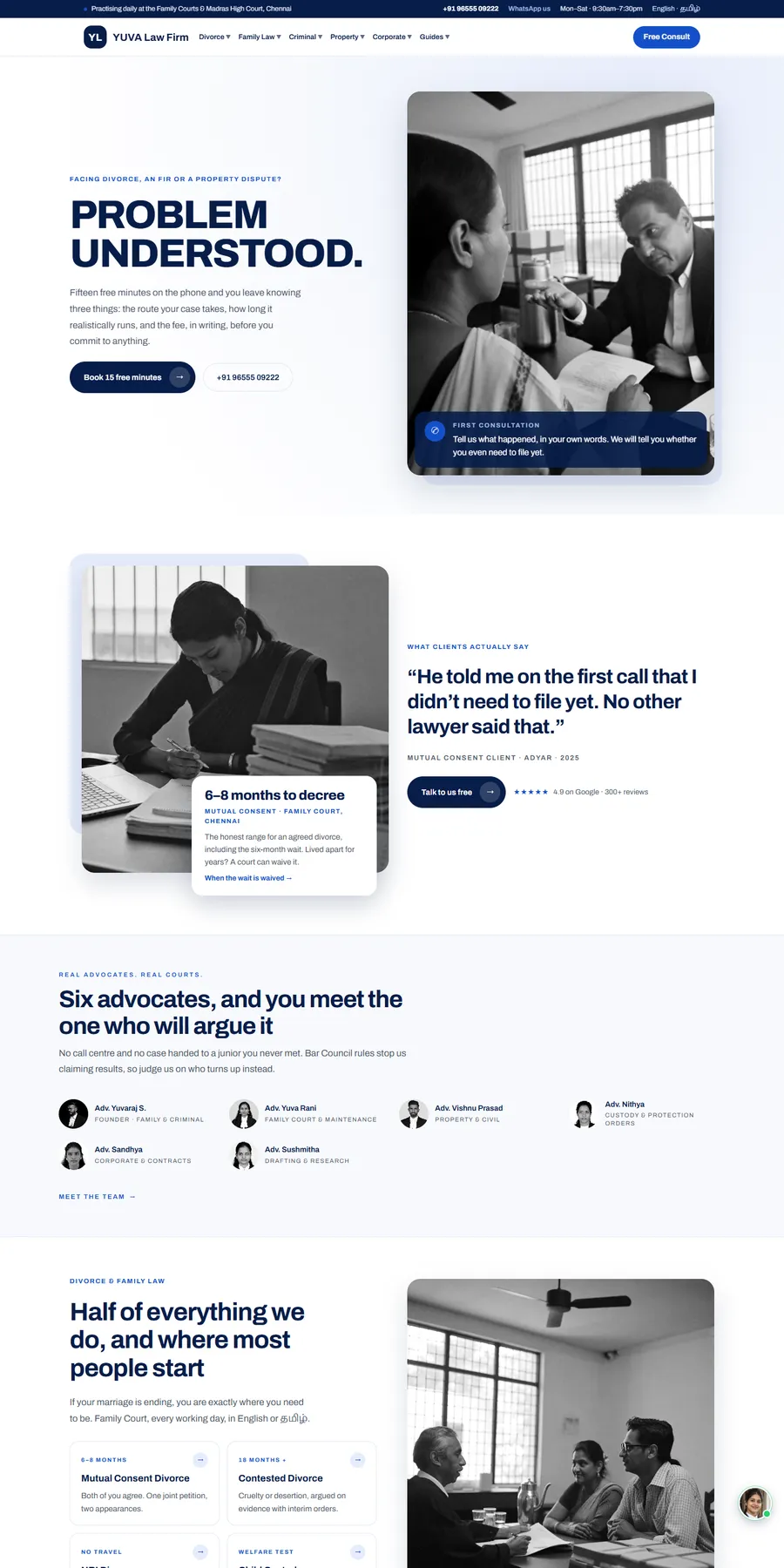
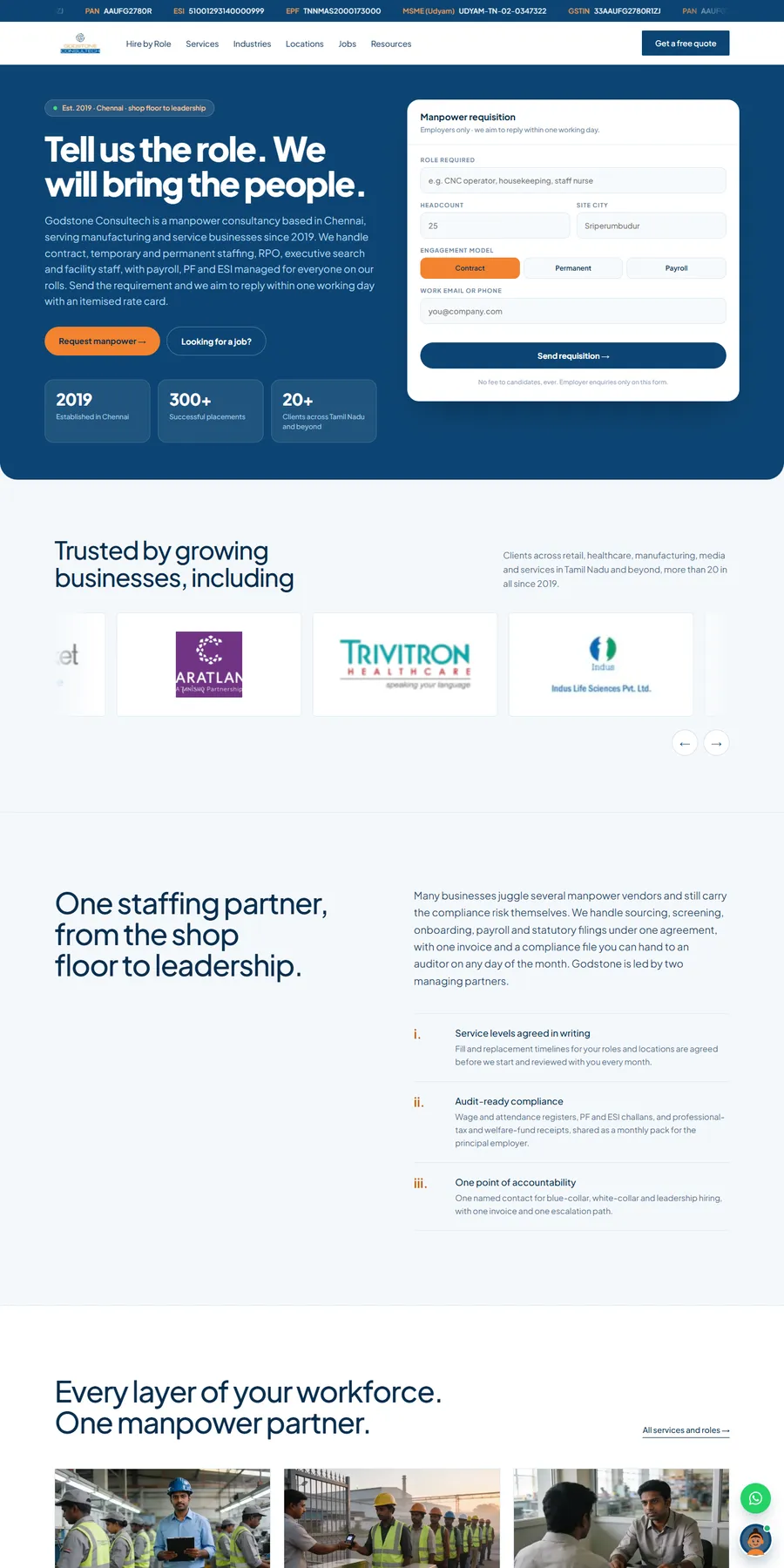
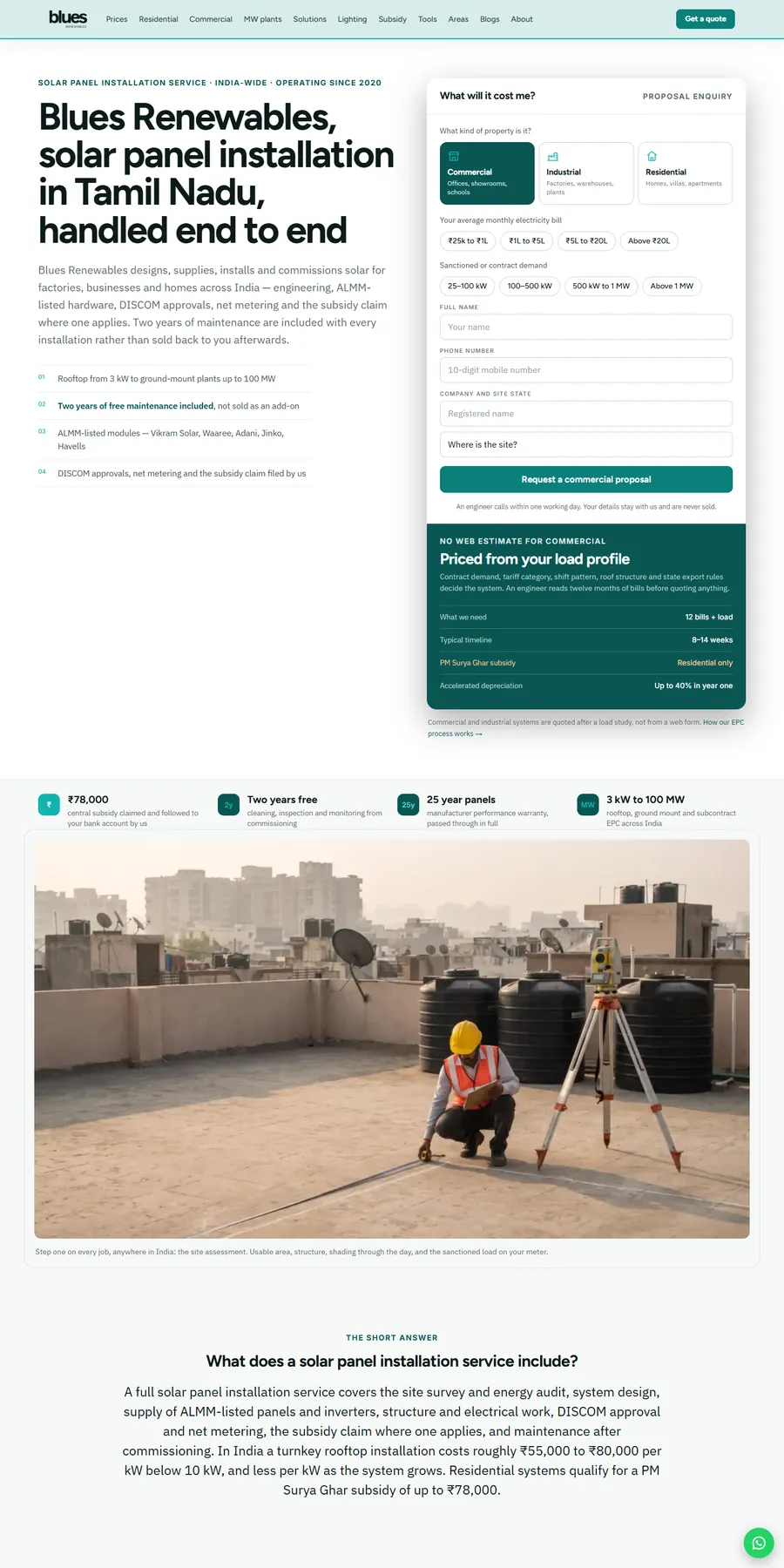
We have not built a website for an assisted living, memory care, independent living or CCRC community, or a residential care home, and we will not imply otherwise. The closest proof is Blues Renewables, a local service business that runs on the same lead system a community needs: location and area pages, price pages, calculators, click-to-call and every call and form tracked as a lead event in GA4. It went from no tracked leads to 7 to 10 inquiries a week, and Google clicks rose from 14 to 560 a fortnight in two months. For a community, those price pages become "starting at" suite and care-level pages, and the local area guides become community and neighborhood pages. Terah Tex shows the two-step quote form, from no website inquiries to about 5 leads a week, that we would adapt for tour requests. YUVA Law Firm shows sensitive consultation forms; Godstone Consultech shows staffing pages that carry over to caregiver hiring.

More websites we have designed and built

Process

How your senior living website project runs

Typical timeline: 4 to 8 weeks for a single community or care home; 8 to 12 weeks for multi-community sites with many care-level and location pages. You see progress every week.

  1. Step 01 · Week 1

    Discovery and audit

    We audit your current site, competitors, and how you show up on Google and in AI answers, then agree on goals and a fixed quote.

  2. Step 02 · Weeks 2 to 3

    Strategy and design

    Sitemap, wireframes and full designs for your review. You approve everything before we build.

  3. Step 03 · Weeks 3 to 6

    Build and test

    Development, SEO setup, speed tuning, and testing across devices and browsers.

  4. Step 04 · Launch and beyond

    Launch and grow

    We launch, monitor, and improve based on real data. 30 days of free support included.

What shapes your quote

Scope, not hourly billing

Every project gets a fixed quote within 1 business day, agreed before work starts.

Get my fixed quote →
  • Number of communities, licensed buildings and care levels that need their own page sets
  • Floor plans, suite types and "starting at" pricing pages to build and keep current
  • CRM, chat, call tracking and applicant tracking integrations
  • Whether forms need BAA-ready providers or consumer health data handling
  • Content: family guides, memory care copy and careers pages, how much we write versus you supply, and translated pages, such as Spanish, for families who read in another language
  • Photography and virtual tours, and migration from an existing site or platform

Senior living website questions, answered

Straight answers to what owners ask us, and what they ask Google and AI assistants. Ask us anything else.

How much does a senior living website cost?

We give a fixed quote, agreed before work starts, within 1 business day of a call and a free audit of your current site. It is based on pages, features, integrations and content: how many communities and care levels, floor plans, CRM and chat connections, and whether we write the copy. There is no hourly billing.

How long does assisted living website design and build take?

Most single-community and residential care home sites take 4 to 8 weeks. Multi-community sites with many care-level and location pages take 8 to 12 weeks. You get a dated week-by-week plan, and if we slip a date because of us, the next month of support is free.

Can tour requests go straight into Aline, Enquire, Sherpa, WelcomeHome or Salesforce?

Yes. We connect forms by API, webhook or the CRM's own form tool, with lead source, page, community, care type and UTM fields mapped, and test that each record lands correctly. Check with your CRM vendor what your plan includes for integrations.

Are your forms HIPAA compliant?

We build forms with providers that sign a Business Associate Agreement where HIPAA applies, and keep health details out of email notifications and ad pixels. Whether your community is a covered entity is a question for your counsel; skilled nursing that bills Medicare or Medicaid electronically often is. We do not certify compliance.

Should we publish our prices on the website?

It is your decision, and we build either way. A common approach is a monthly "starting at" price per suite type, dated, with a footnote that care is assessed and billed separately and a link to a how-pricing-works page. That gives families and AI assistants a real number to work with, and keeps the first call coming to you instead of to a referral line.

Will a redesign lose our Google rankings?

Not if it is done carefully. We map every old URL to its new page with redirects, carry over content that ranks, keep community names, addresses and phones consistent with your Google Business Profiles, and watch Search Console after launch.

We have several communities. Do we need a separate site for each?

Usually not. One site with a full page set per community, each matched to its own Google profile and phone line, is easier to keep current and builds authority in one place. If your brands must stay separate, we can plan that too.

How does our community show up in ChatGPT and Google AI Overviews?

By stating your facts plainly where AI systems can read them: care-level and community pages, starting prices, licensing, payer types, admissions and FAQs with schema, plus recent reviews and consistent listings. No one can guarantee placement in an AI answer, and we will not.

Will the site be accessible for older adults?

We build to WCAG 2.1 AA targets with large type, strong contrast, captions, keyboard access and no auto-playing sliders, test before launch, and publish an accessibility statement. Accessibility is ongoing, so your team is trained to keep new content accessible.

Can our staff update menus, activity calendars and suite availability?

Yes. You get an editable CMS with training, so your life enrichment, dining and sales teams can update calendars, menus, openings and photos without a developer.

We get most move-ins from referral agencies. Why invest in our own site?

Agencies charge you at move-in. Families who search for communities directly land on your site, and it can explain care levels, pricing and payer types before the tour, so the call starts further along. It will not replace agencies overnight, and we do not claim it will. The goal is a bigger share of move-ins that start with you.

We run a 6-bed residential care home. Is a custom site overkill?

A small home needs a small, strong site, not a large one: real photos of the house, the owner and caregivers, the staffing ratio, how pricing works, license and capacity, reviews and a tour button. Owner training for adult family homes calls a professional website a sign of legitimacy to families.

You have not built for senior living. Why choose you over a specialist assisted living web design company?

A fair question. A specialist senior living web design company often brings a template it has used across many communities, and keeps the hosting, domain or call tracking numbers. We start from your care levels, suites and license, connect every tour request to your CRM with its source, give you a fixed quote and a dated plan, and hand you every account on day one. Whoever you hire, ask them to show tours and move-ins by source from a site they built, and who owned the domain afterward.

We are leaving a platform that hosts our site. What do we need back?

Admin access to the site and hosting, the domain, any plugins licensed to the vendor, the form and call tracking connections to your CRM, Analytics with its history, Search Console, Google Business Profile ownership, ad accounts and design files. We help you list and recover them, then rebuild on a site you own.
Get a free site audit and fixed quote in 1 business day

Four quick questions. You'll get a fixed quote and a free audit of your current site within 1 business day.

  • ✓ No obligation, no sales pressure
  • ✓ Fixed price, never hourly
  • ✓ Your details stay private

Prefer email? info@billionwebstudio.com

Step 1 of 4~60 seconds
What do you need?